
Give a discount at the counter
Agree a price out loud and put it on the bill: one line, the whole bill, or an online order.
Haggling is how a counter works, and a promo code is the wrong tool for it: a code is an offer you broadcast, a discount is a price you agreed with the person standing in front of you. The counter and the order board both take that agreed price directly, in final rupees, never percentages.
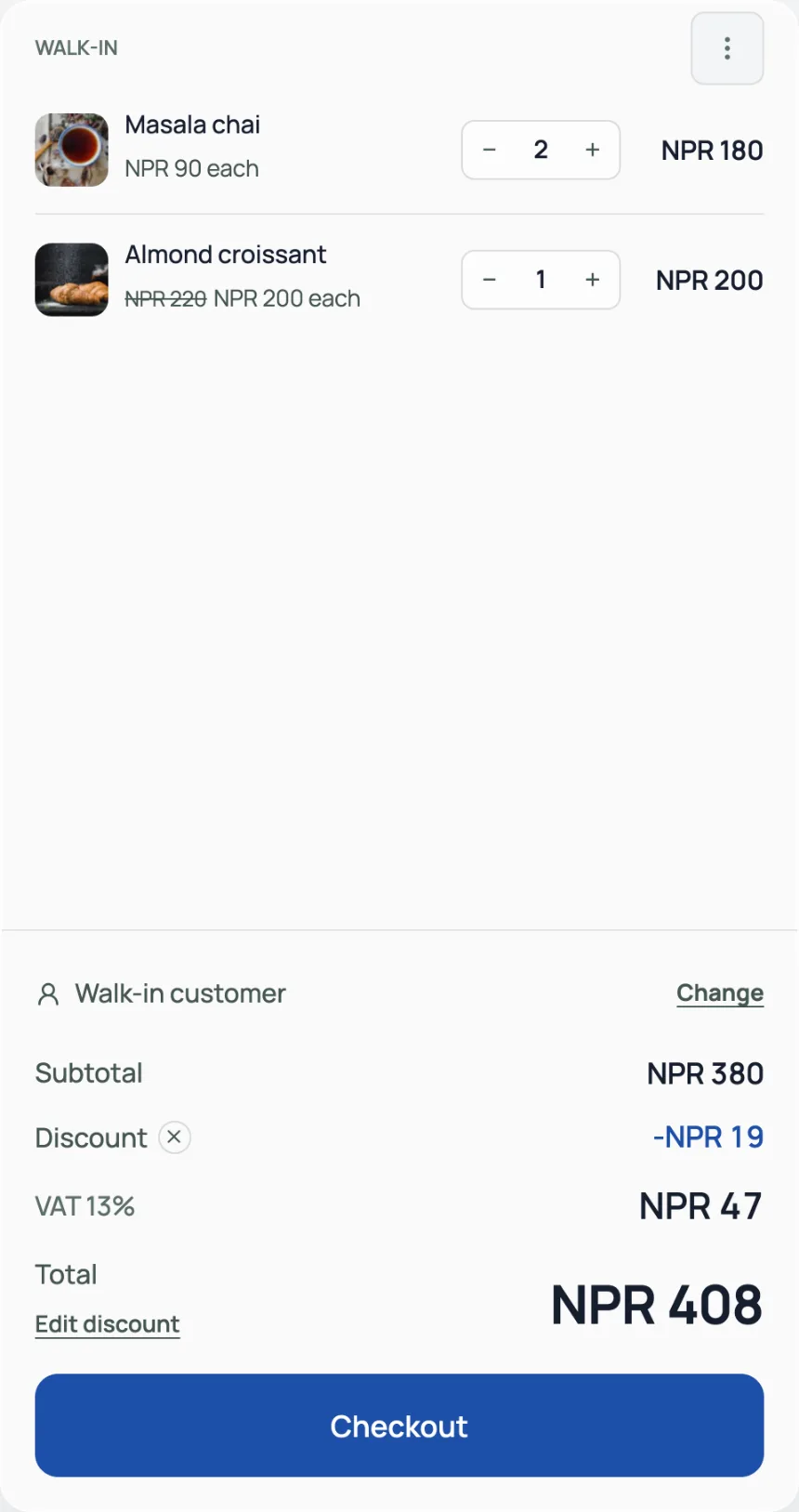
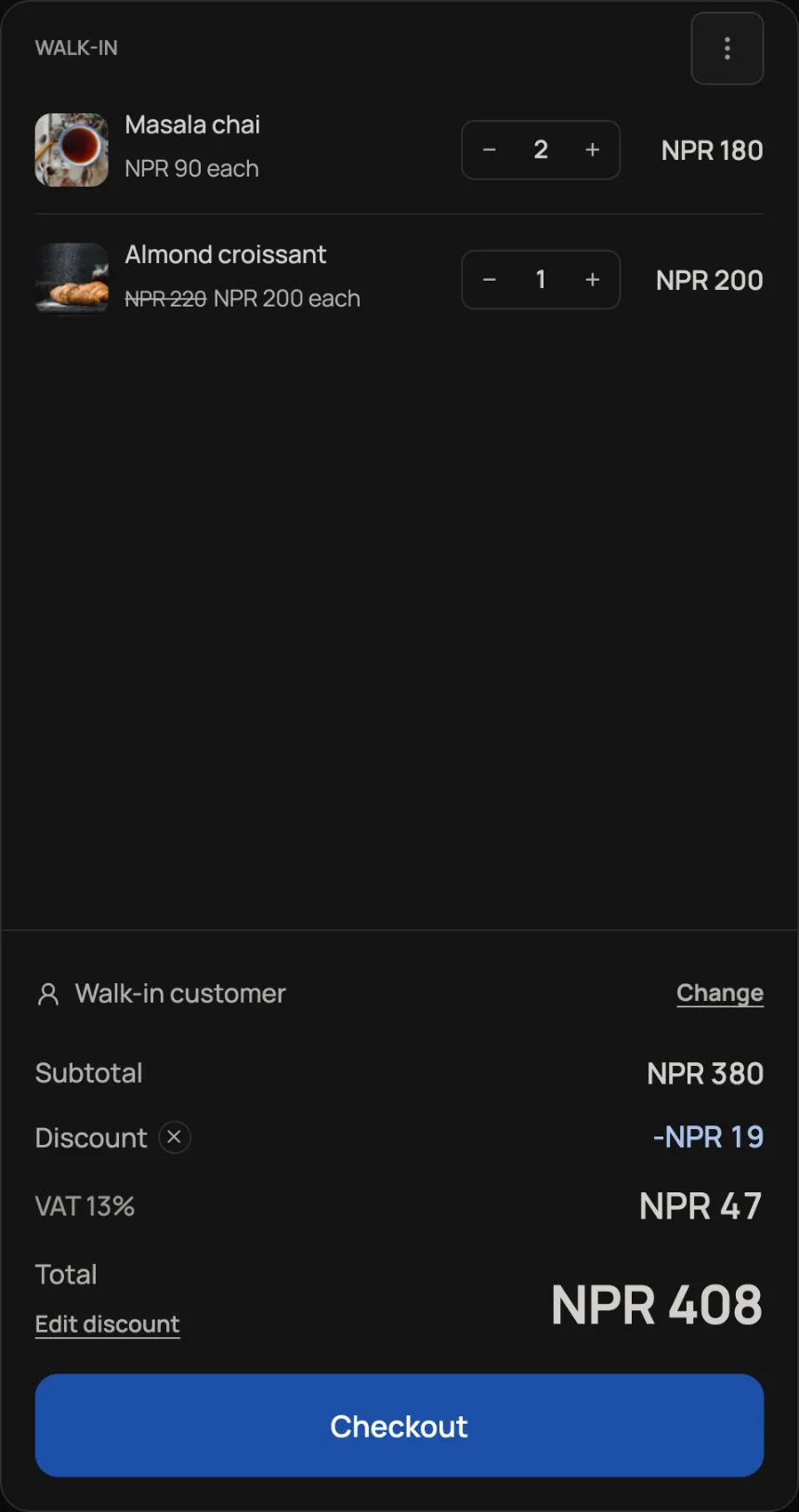
- One line: tap the price on any bill line and type what you agreed per piece. The shelf price shows struck through beside it, so the bill still tells the truth. You cannot mark a price up, and emptying the field puts the shelf price back.
- The whole bill: press Add discount under the total and type what they pay, or tap the 5% and 10% chips. It appears as its own Discount row above the total, with an x to remove it. Once a discount is on, the link reads Edit discount. A new round for a table has no discount link: that send uses shelf prices, and you agree the figure again at Checkout.
- An online order: open the Orders tab, press the three dots at the end of the order's row and choose Discount. It is only there while the order is unpaid and not cancelled. The totals rework themselves with service charge and VAT included, landing at or just below the figure you agreed, and the order card shows the discount after it is set. An invoiced order will not take one; issue the invoice after the price is settled.
Receipts and invoices print the struck-through prices and the discount row, so the customer sees exactly what was agreed. Visitors & sales and the daily summary email count discounts too, and profit is worked on what was actually paid.
Read next
- Track cost price and profitGive each product a cost and every money surface reports profit, not just takings.
- Run a promo codeCreate a discount code customers type at checkout.
- Keep supplier bills, deliveries and balancesRecord who you buy from, receive counted stock in parts, and record payments you have already made.
Still stuck? Message usTell us what is happening and we will reply, usually the same day.
WhatsApp usOr email support@pasal.studio