
Khata: let regulars pay later
Keep the credit book on your phone instead of a notebook by the counter.
Half a kirana's trade runs on trust: regulars take what they need and settle at the end of the month. The Khata tab is that notebook, with the arithmetic done for you.
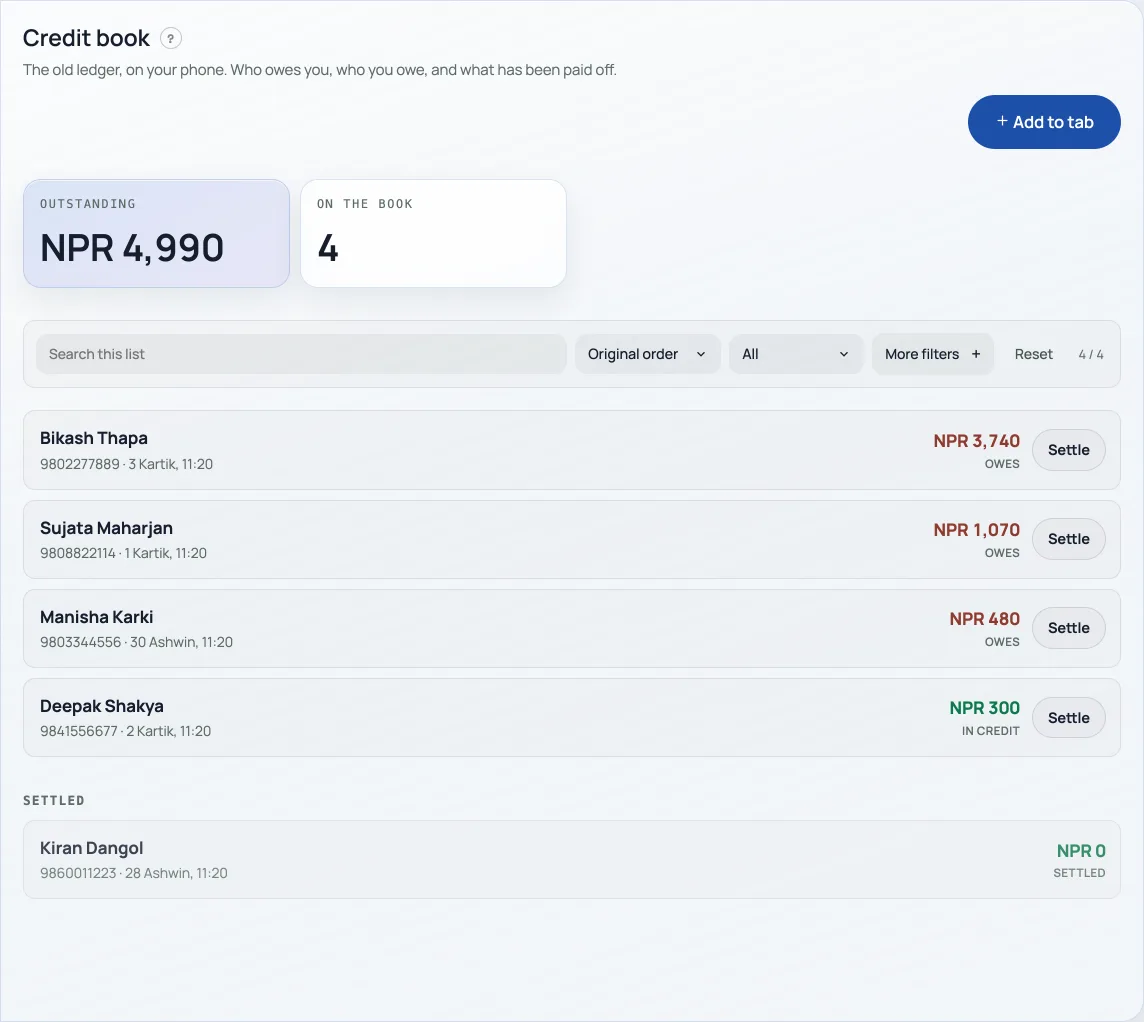
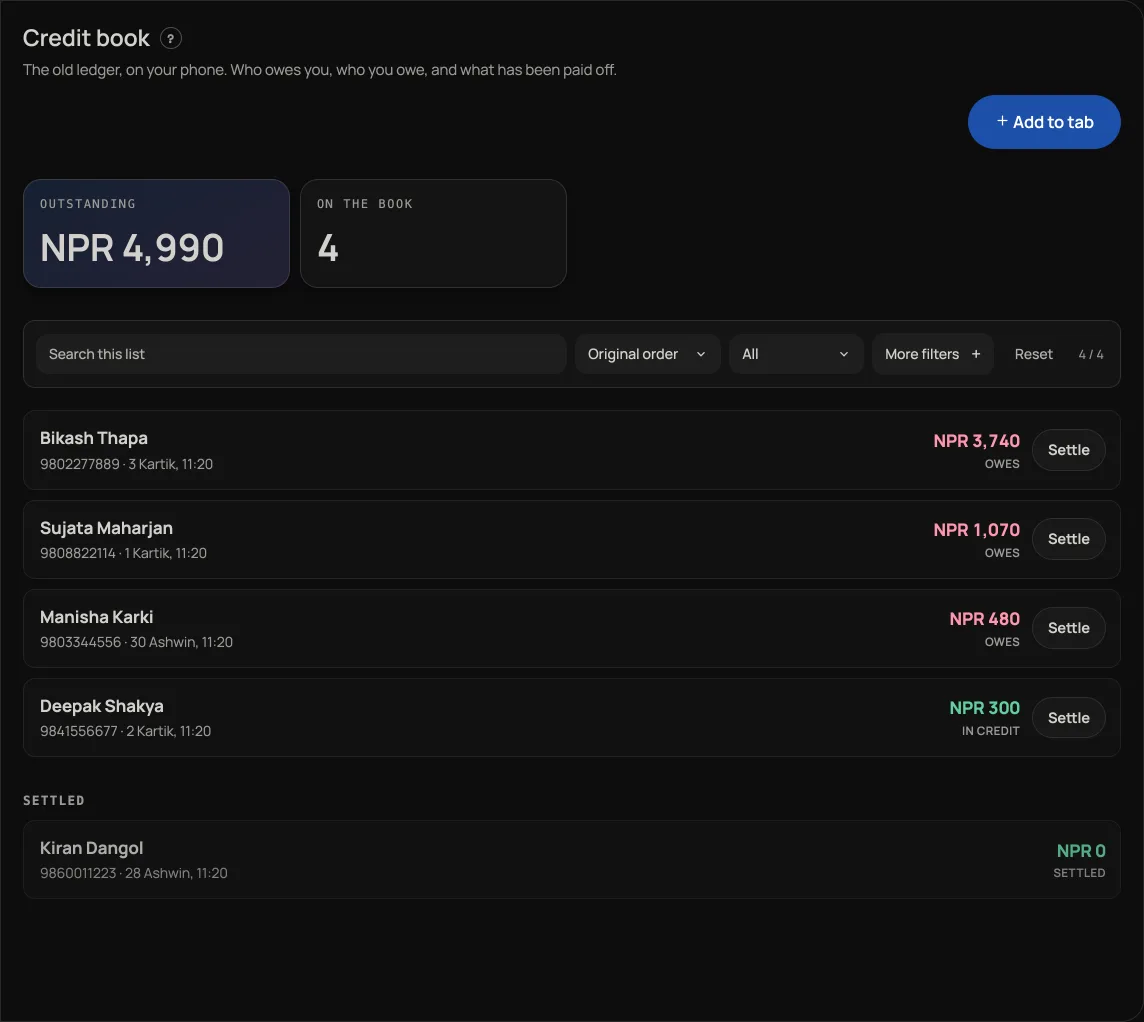
- Add to tab when someone takes goods on credit. Enter their name (a phone number helps you tell two Rams apart), the amount, and a note like "rice, oil, dal".
- Settle when they pay, in full or in part. Part payments are normal and the balance carries.
- Open a name to see their whole history, every credit and every payment, with the running balance.
The tab shows total outstanding across everyone and how many names are on the book, so you know what is owed to you at a glance. Someone who has overpaid shows as in credit rather than a negative.
Khata is on by default for grocery and jewellery shops. Any other shop can turn it on under Settings, "Apps", where the app is called Credit book. It is yours and your permitted staff's only, never visible to customers.
Khata is a Pro tool. When Pro ends the dashboard locks until you subscribe, so you cannot add credit or record a payment until then. Nothing on the book is deleted. See What happens when your free trial ends and What Pro costs and how to turn it on.
Correcting a line
Open the customer's page and use the pencil on a manually entered line. Correct this entryrecords a reversal and replacement when the amount changes; note or payment-method corrections update metadata without replacing the amount. Financial history is retained. A line linked to a counter bill offers View bill; use the bill's supported correction or return flow rather than rewriting its ledger line.
Reversing a line
The same panel offers Reverse this entry, followed by Yes, reverse it. Read the effect on the balance before confirming. Reversing a payment makes the customer owe more; reversing credit makes them owe less. It keeps the original and a linked reversal instead of deleting history.
Khata payments feed Paid today, Paid this week andSales. A payment reversal affects the day it is recorded; it does not quietly rewrite the old day's payment history.
From the counter
Yes. A bill rung at the counter can go on Khata. On Checkout, Khata is labelled Pay later and opens a popup over the bill. Search the regular, or add them with a name and phone. Close or Back to checkout returns to checkout before you confirm, keeping the payment method and entered cash amount. Paid now can be part of the bill, or nothing. Confirm and add to Khata writes the credit and, if they handed you something, the payment. The order stays unpaid on purpose, so the same money is not counted twice. Orders shows On Khata instead of Mark paid, and the row cannot be deleted from the board. Open the name in Khata and a linked line offers View bill instead of the pencil. Correct that sale on the bill, not by rewriting the ledger line. Later repayments use Record a payment on this tab.
On a named counter, the Khata bill preserves its counter name. Only cash paid now enters that counter's open shift; the amount left on credit does not. For a later cash repayment, choose its openReceiving counter so the money enters the drawer that actually received it. Wallet and card repayments do not increase drawer cash.
- Check the month's takingsThe Sales tab month by month: what counts as paid, what is still owed, and the spreadsheet for your accountant.
- Ring a sale at the counterOpen the counter, build a bill, take cash or QR, and hand over a receipt.
- What happens when your free trial endsRetriever locks until you upgrade to Pro. Nothing you have made is deleted.