
Set delivery fees and free delivery
Charge a flat fee, waive it over an amount, and keep checkout totals honest.
Delivery pricing lives on Settings, then Orders and delivery under Selling: one flat fee, and an order amount above which delivery becomes free. The Delivery row has its switch and, while delivery is on, an Edit button that opens the fee and the free-over amount. If you take bookings too, the pane reads Orders, bookings and delivery.
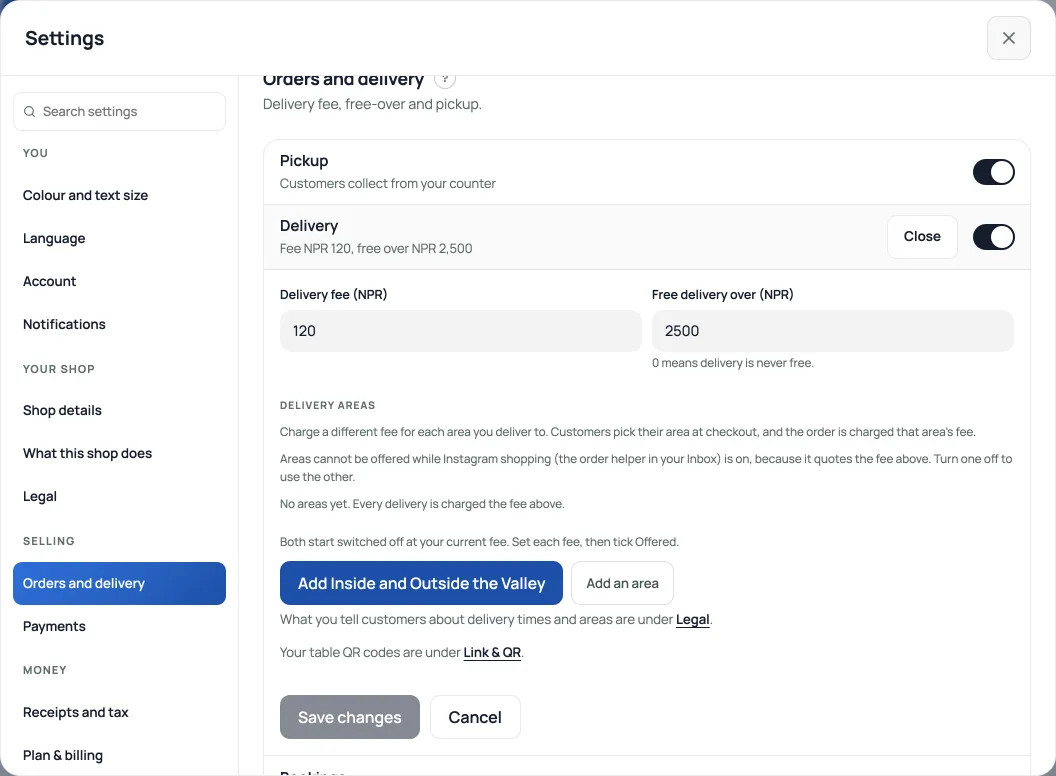
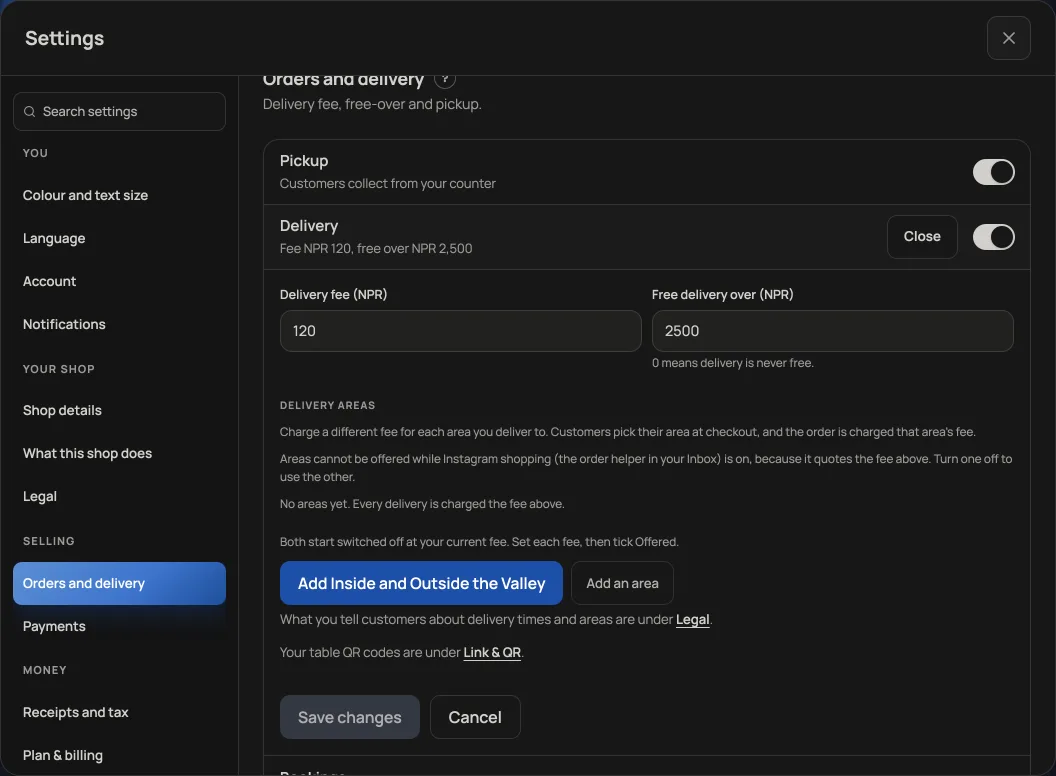
- Delivery fee: added to every delivery order at checkout, so the total the customer confirms is the total you collect.
- Free delivery over: orders at or above this amount ship free, and your storefront advertises it (a banner like "Free delivery over NPR 3,000").
- Pickup orders never get a delivery fee, and you can switch delivery off entirely if you only do counter pickup.
- A different fee for each area, such as inside and outside the Valley: see Delivery fees by area.
- Salons and service shops: both switches start off for you. The day you start selling products, flip either one on in this same pane, and your checkout, your About page and this fee form all follow.
Read next
- Delivery fees by areaCharge a different fee, free-over amount and delivery time for each area you deliver to. Customers pick their area at checkout.
- Managing orders on your boardMove tickets through fulfilment, collect payment, and keep the board tidy.
- Take bookings and reservationsLet customers reserve a table or a slot, and manage them on the Bookings tab.
Still stuck? Message usTell us what is happening and we will reply, usually the same day.
WhatsApp usOr email support@pasal.studio