
Track a unit by its serial number
Receive individual units, choose one at the web counter and find its sale or service history.
Track the actual phone, appliance or other unit you receive and sell, rather than only a model's quantity. Its SN, optional IMEIs and history stay private to permitted shop users.
Enable tracking on a saved product
- Open Products, edit the model and open the Serial numbers popup.
- Finish or cancel that model's open orders and sync older device queues before enabling tracking.
- Enabling tracking starts its count at zero. Receive the units actually in stock; the old whole-product quantity is not automatically turned into serial units.
Once units have been recorded, tracking cannot simply be switched off. Keep recorded colour/size names and pairs rather than deleting a combination with unit history.
For example, 1 in stock with Serial tracked means one recorded unit is ready to sell. That count comes from received units, not from a quantity box. If there are colours or sizes, the count belongs to the matching pair.
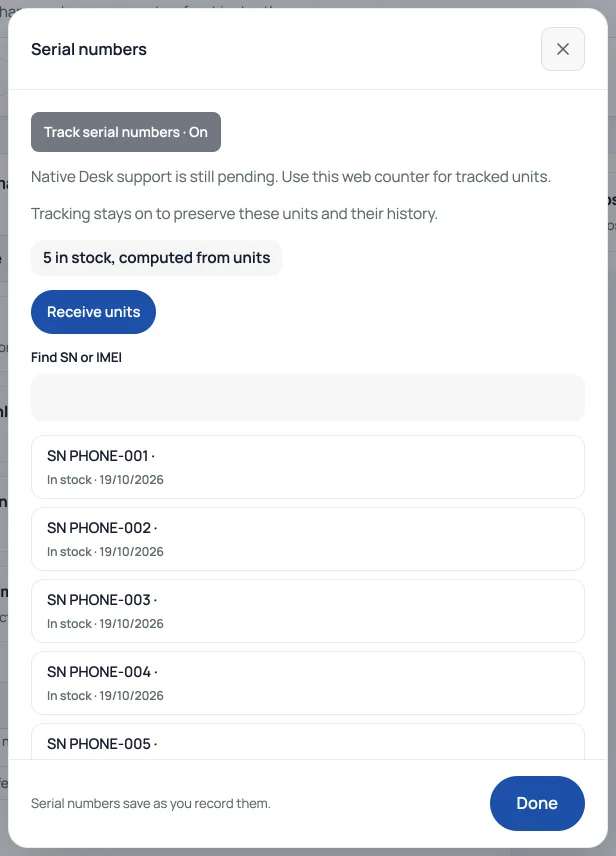
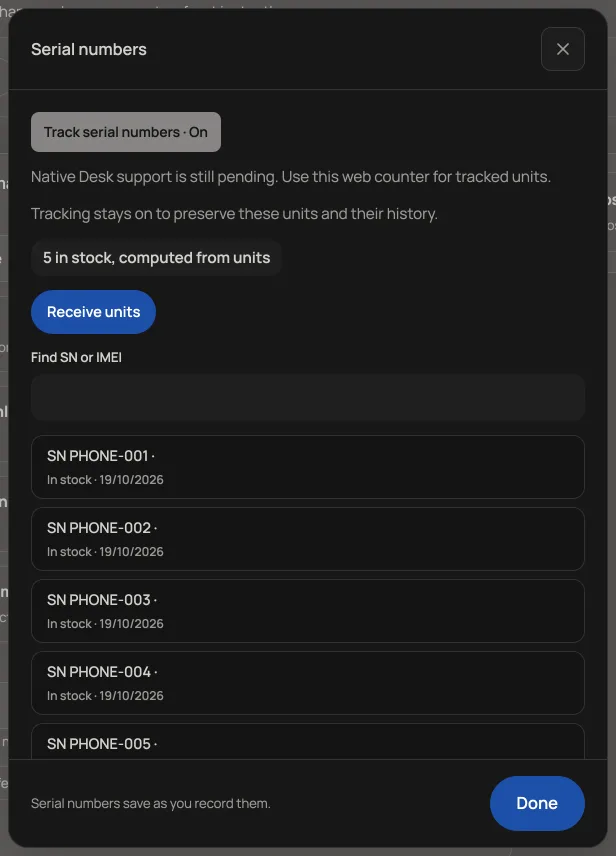
Receive each unit
Use Receive units, choose its colour and size when applicable, and enter the SN. Optional IMEI 1 and IMEI 2 must each have 15 digits. SN and IMEIs must be distinct identifiers. Add warranty details if useful, then record the unit. Receiving units is what increases the available count; typing a model quantity is not a substitute.
If the result is uncertain, keep the receive form and use its retry/check flow. Do not enter the same physical unit as a new receive operation. Search the private inventory to confirm what was recorded.
Choose the unit when selling
At the web counter, choose the colour/size and the actual available unit. Scanning an SN or IMEI can identify it; scanning a model or pair barcode is not a serial assignment. The chosen unit is linked to the sale. Only available units can be sold.
A paid online order still needs packing: assign the actual units to its lines before issuing its receipt. Until every tracked line has its units, the customer receives an order confirmation rather than a receipt PDF. Historical ordinary invoices do not become serial-dependent when tracking is later enabled.
Find a return or repair
Search the SN or IMEI and open its history. Receive, sale, return and repair records stay linked to that unit. For a sold unit, the return controls record the return, refund and stock decision together. Use Returns or Repairs with the appropriate permission, rather than erasing the original sale.
Inventory needs Products access; sale, return and repair actions depend on their respective permissions. SNs and IMEIs are not a public storefront inventory list. Use the web counter for exact units or colour/size pairs: Retriever Desk does not yet offer the same selection.
- Take in repair jobsBook a device in, track it to pickup, and record what you charged.
- Product specificationsAdd facts customers ask about, like RAM, storage, warranty or fabric, and they show as a table on the product page.
- Handle returns and exchangesLog what comes back for a refund or a size swap, and see why it keeps happening.