
Count the drawer and close a shift
Named counters keep separate cash shifts. Count the cash, record drawer movements and close before another cashier takes over. Unnamed counters retain Close the day.
A named counter has its own shift
Press Count the drawer in the counter header to open Cash drawer and shift. Before the first sale, enter Opening cash and press Start shift. That opening cash belongs to this counter and cashier, not the whole shop.
- Read Expected cash. It includes the opening cash, cash walk-in and table sales, cash paid now on Khata, later cash Khata repayments received here, and recorded cash movements.
- Wallet, card and unpaid credit amounts are excluded. Record physical repairs, refunds, withdrawals and other drawer changes with Cash in or Cash out, an amount and a reason, then Record cash movement. A movement does not change a customer balance or create an accounting refund. Record that separate business action in its proper book too.
- Sync all waiting sales before closing. Count the actual cash, enter Cash counted, then press Close shift. The screen shows whether the drawer balances, is over or short.
- Close the previous shift before another cashier starts. The next cashier enters their own opening cash and starts a new shift. A closed shift keeps its recorded expected and counted amounts.
If a reply is lost, refresh the drawer or retry the same action and check the recorded result before repeating it. A waiting sale cannot be added to a closed or replacement shift.
Owners can read each counter's current and recent closed shifts fromStaff → Counters → Cash drawer and shift. SeeSet up several counters and assign cashiers.
The older unnamed counter
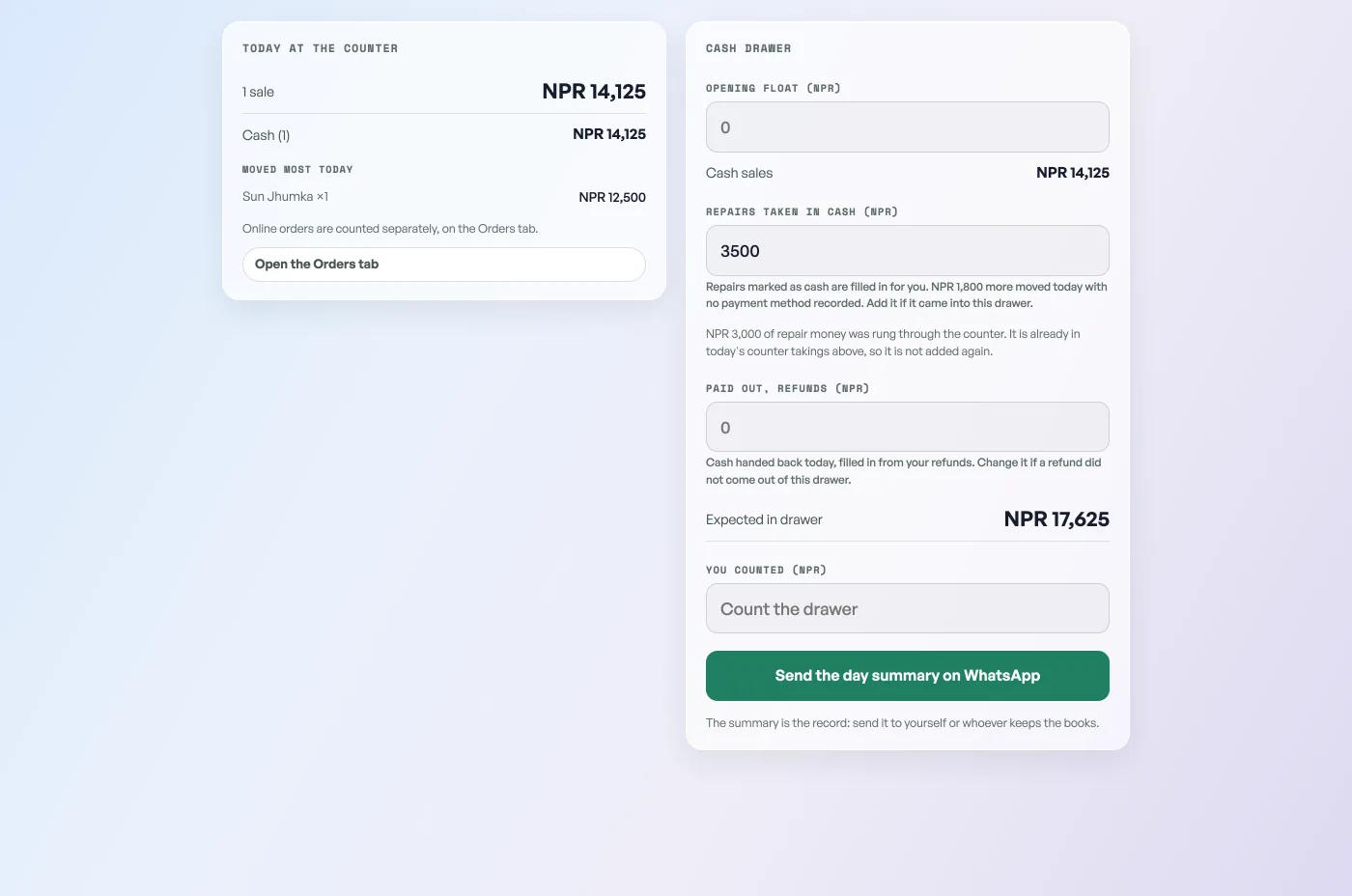
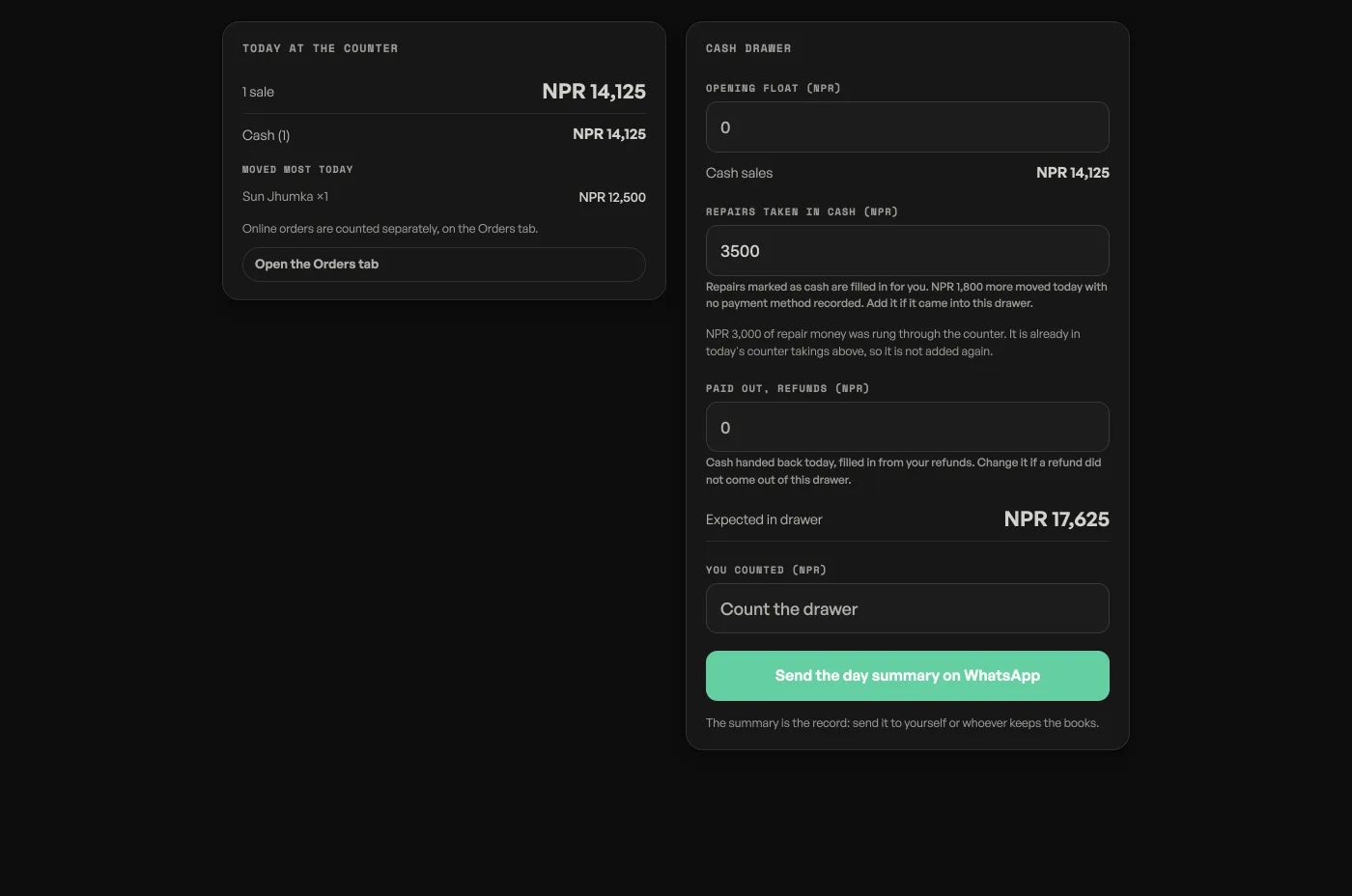
If the shop has not set up named counters, Count the drawer still opensClose the day. Enter the opening float, check the cash sales, repairs and cash handed back, then count the drawer. This is a shop-wide day summary, not a separate physical drawer or a locked shift.
The unnamed summary changes no records and does not lock trading. You can check it during the day and return to selling. Send the day summary on WhatsApp prepares that summary for you to send.
- Check the month's takingsThe Sales tab month by month: what counts as paid, what is still owed, and the spreadsheet for your accountant.
- Staff email, the customer screen, and several countersSet up named counters in Staff, assign cashiers, and keep a separate cash shift for each drawer. Customer screens still share the shop feed.
- Keep supplier bills, deliveries and balancesRecord who you buy from, receive counted stock in parts, and record payments you have already made.