
Add Instagram and social links
Put your Instagram, TikTok or other profiles in your storefront footer.
Most Nepali shops live on Instagram and TikTok first. Link them from your Retriever site so customers can find and follow you.
For customer messages and product replies, see Connect Instagram to your dashboard. Adding a social link here does not connect the inbox.
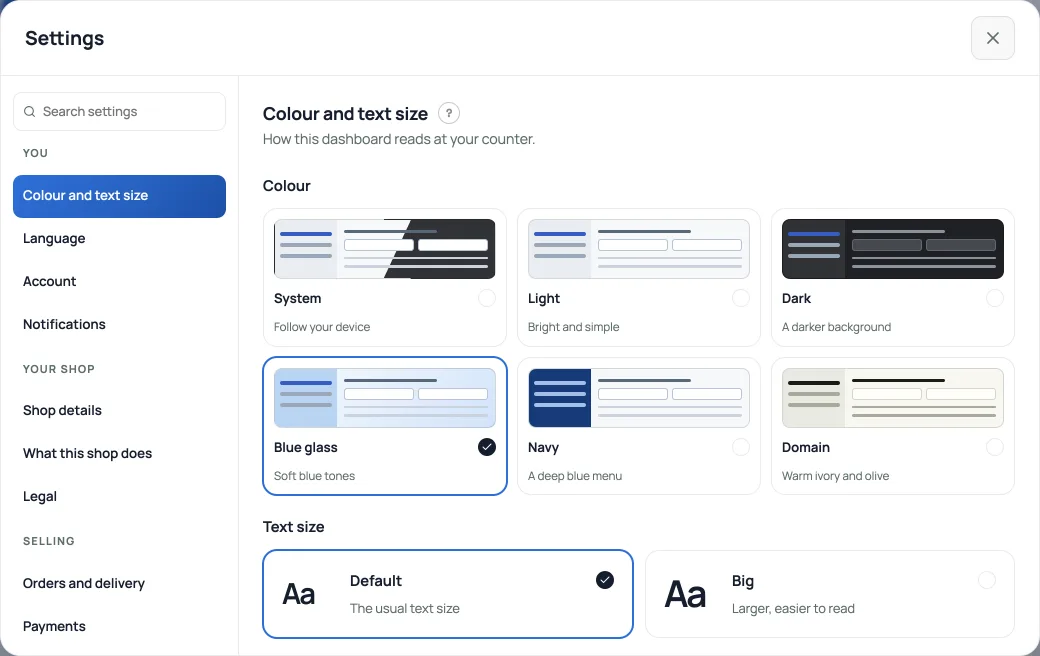
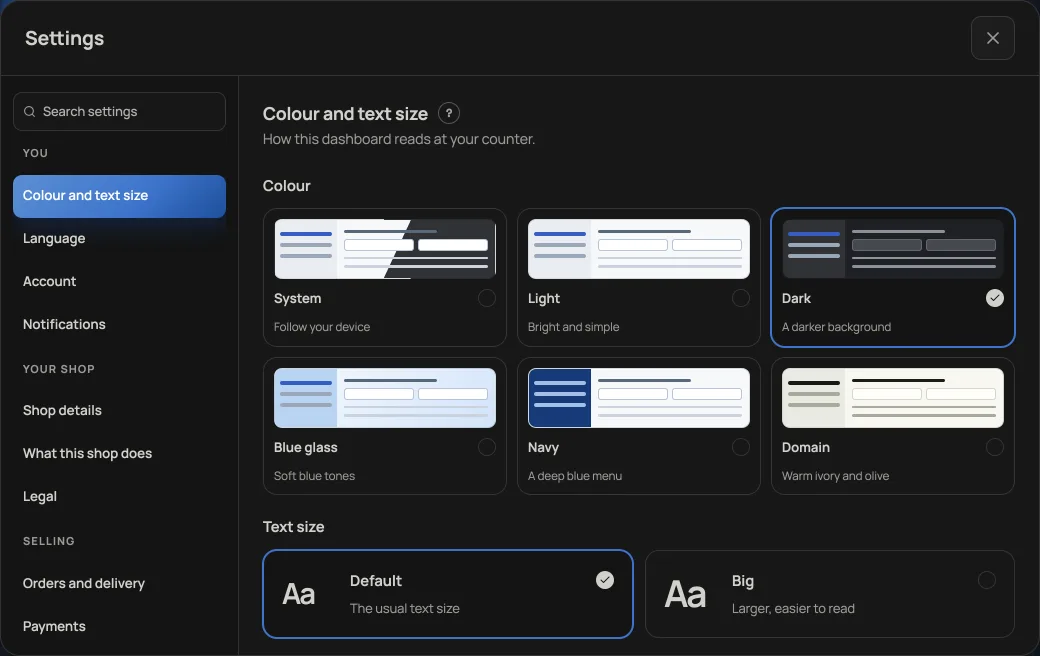
- Instagram: open your account menu, choose Settings, then Shop details under Your shop, and add your handle. It appears as an icon in your storefront footer.
- More platforms: add Facebook, TikTok, YouTube and others under social links on the same page; each shows as its own icon.
- The other direction too: put your shop link in your Instagram bio, so followers can order without DMing you.
Read next
- Connect Instagram to your dashboardRead customer DMs, share products and enable product recommendations on Instagram, Messenger and WhatsApp.
- Add your own 360° photos or a 3D product modelLet shoppers rotate a set of product photos or explore a GLB model, alongside the usual gallery.
- Make the shop look like yoursTemplate, colours, logo, hero photo, and the order of the page, all from the Design tab.
Still stuck? Message usTell us what is happening and we will reply, usually the same day.
WhatsApp usOr email support@pasal.studio