
Publish your terms and privacy policy
Write the two documents customers accept when they order, in your own words.
Two documents, both optional, both yours to write: Terms & Conditions (the rules of buying from you) and a Privacy Policy (what you collect and why). Nothing shows until you write one.
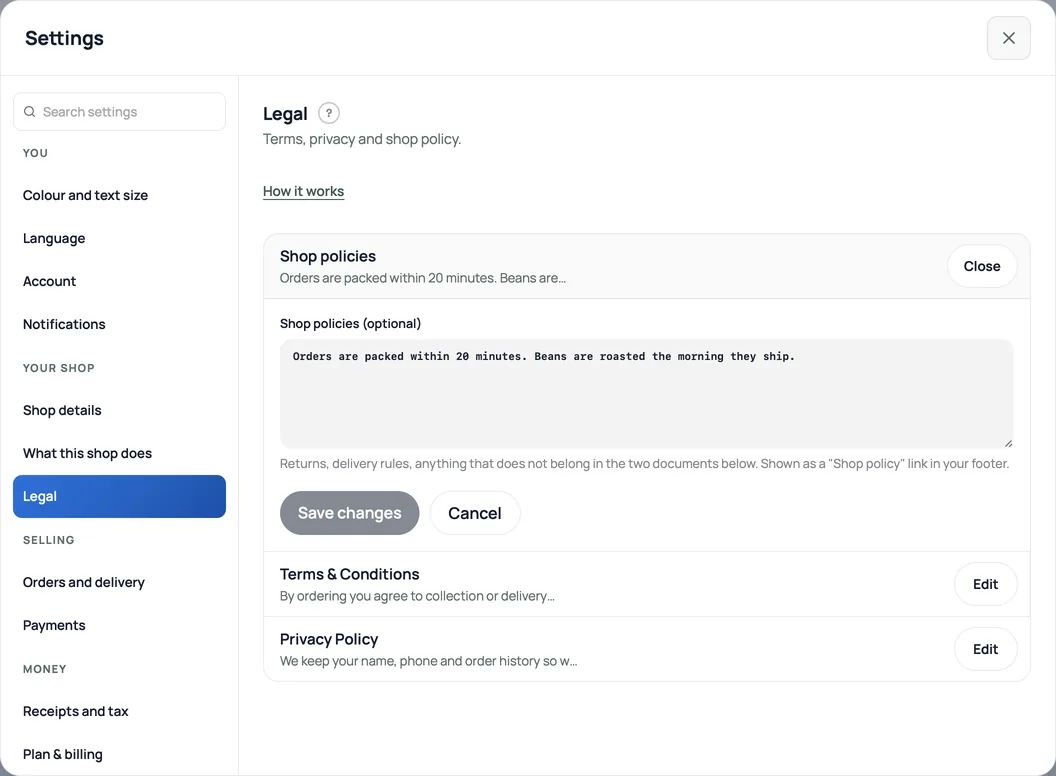
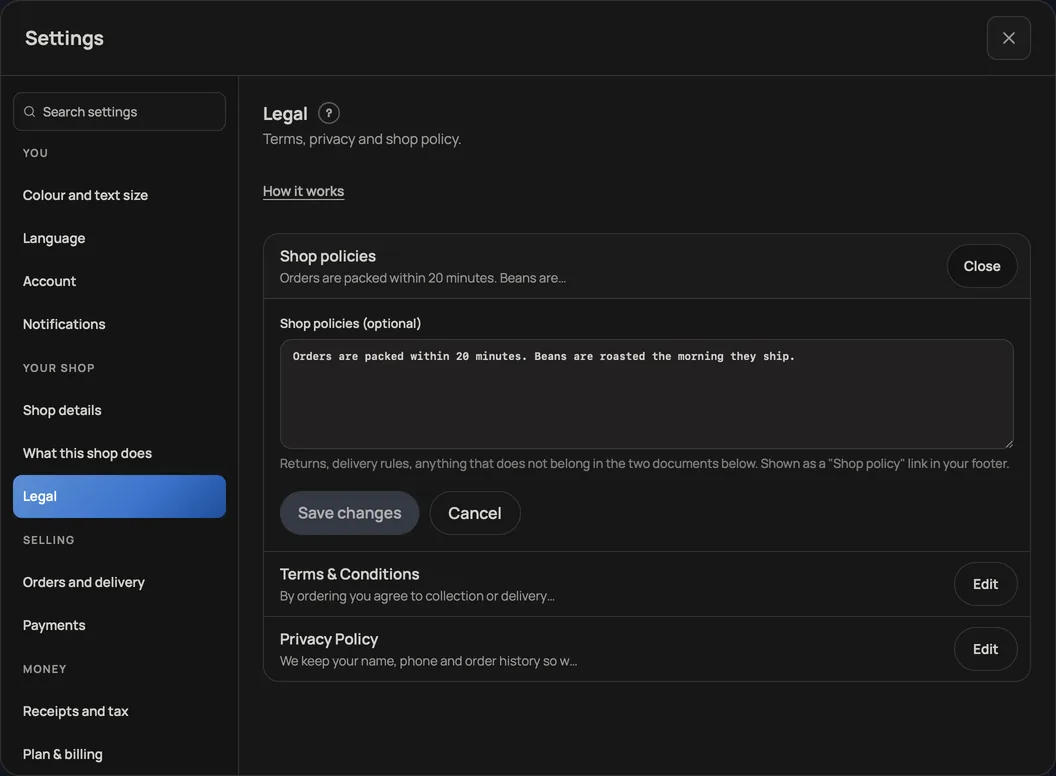
- Open Settings, Legal.
- Write your Terms: what an order commits to, cancellations, who is responsible for what.
- Write your Privacy Policy: the contact, transaction and any serial/service records you collect, why you use them, who processes them, and how long you keep them. Explain Retriever and its providers, processing outside Nepal, any optional review emails and their opt-out, and how a customer can request access or correction. Do not promise that records are never shared or always deleted if that is untrue.
Where they show up
Above the Place order button, checkout reads "By placing your order you agree to your shop's Terms and Privacy Policy", each a link that opens the document. That is the acceptance, in the same place the order is committed.
Both also sit in your storefront footer and get their own published pages, so a customer can read them any time, not only at checkout. Shop policies, the first box, is for everything else: returns, delivery rules, anything that does not belong in the two documents below it.
- Write your shop policyReturns, delivery rules and terms, shown on your site without sending customers anywhere else.
- Your own ad tags: Google, Meta and MicrosoftOn your own domain, add your Google Analytics, Google Ads, Meta Pixel or Microsoft Advertising IDs. They load only after a shopper presses Allow.
- Add your own 360° photos or a 3D product modelLet shoppers rotate a set of product photos or explore a GLB model, alongside the usual gallery.