
Share your shop link
Put your catalog on Instagram, WhatsApp, a QR at the counter, or your own domain.
Every Retriever shop gets a link like retriever.com.np/your-shop plus a QR code you can print or post.
Press the share icon beside View shop in the sidebar or your phone's More menu. Your device opens its sharing options. If sharing is unavailable, Retriever tries to copy the public shop link and confirms when it succeeds. Cancelling the share sheet sends nothing. Link & QR still provides the printable shop QR and WhatsApp sharing.


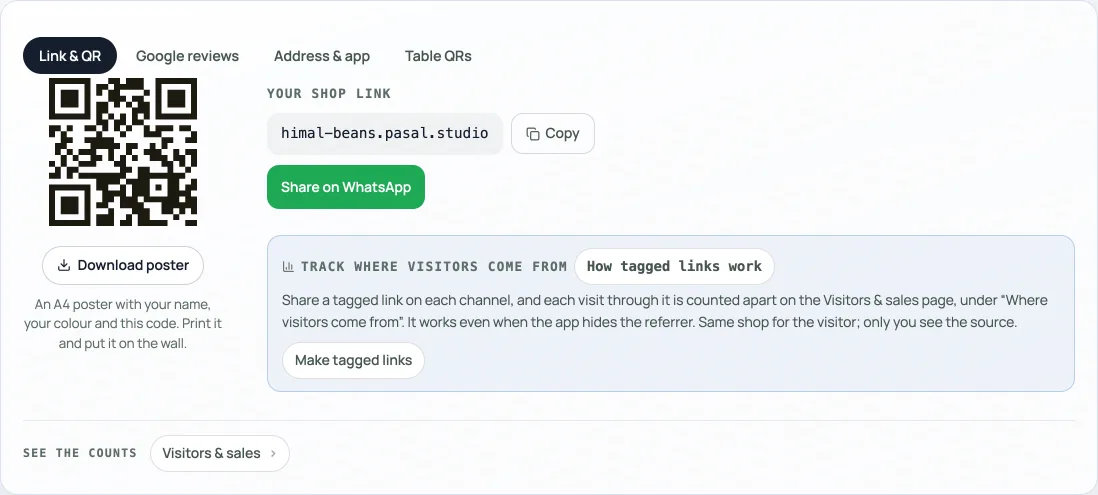
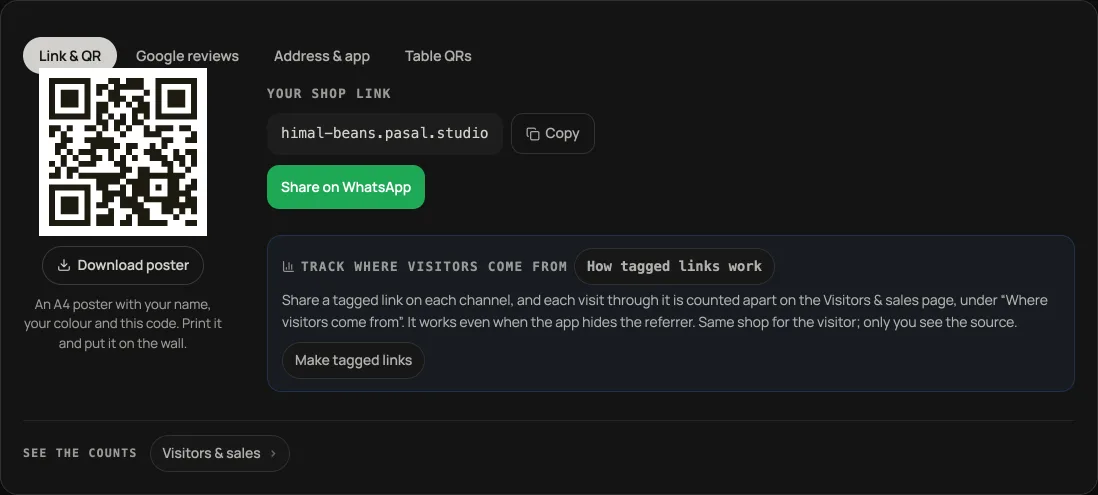
- Instagram bio: paste your link so followers can order without DMing you.
- WhatsApp status or broadcast: share the same link when you have a new drop or promo.
- Counter QR: print the code so walk-in customers can browse while they wait.
A separate QR for Google reviews
Open the Google reviews tab in Link & QR. This code opens your saved Google review link; the shop QR opens your storefront. They are different destinations. PressDownload QR poster for an A4 poster with your shop's name and colour.
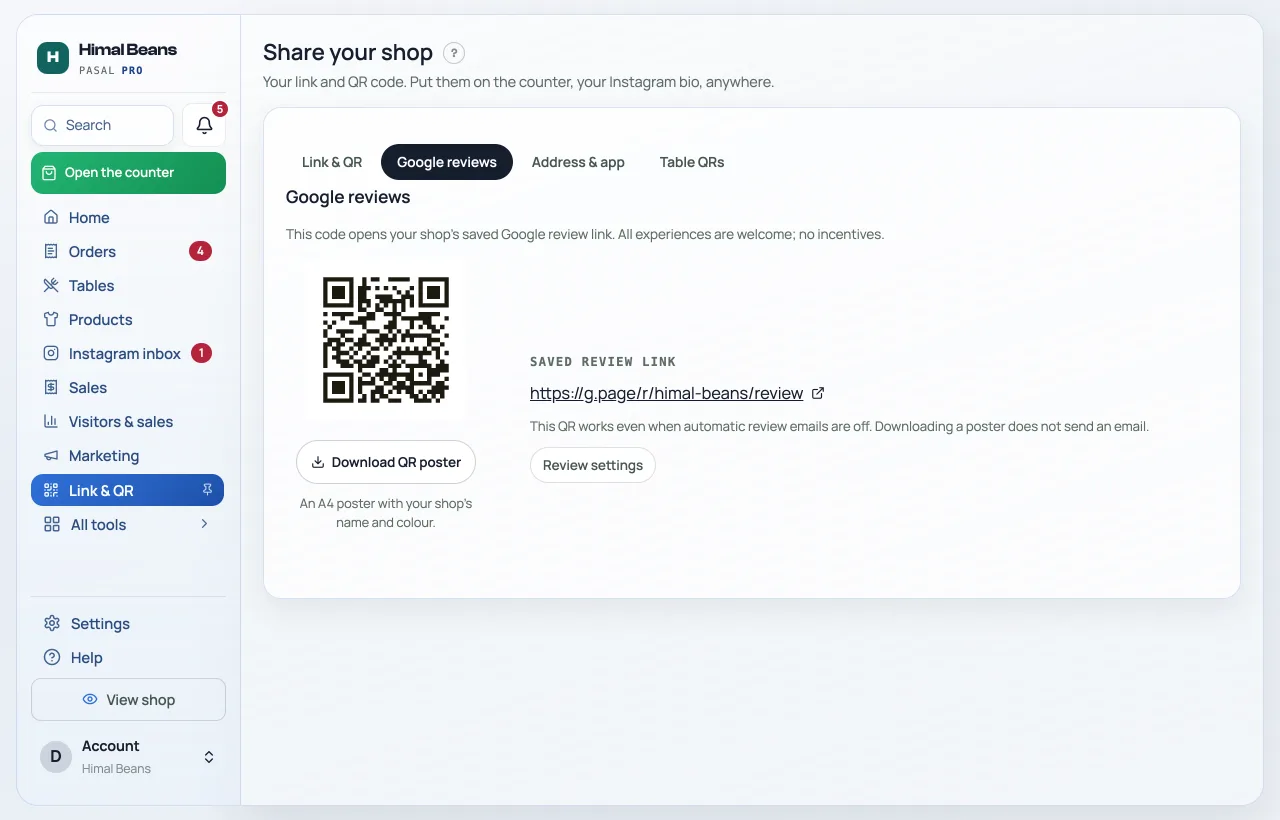
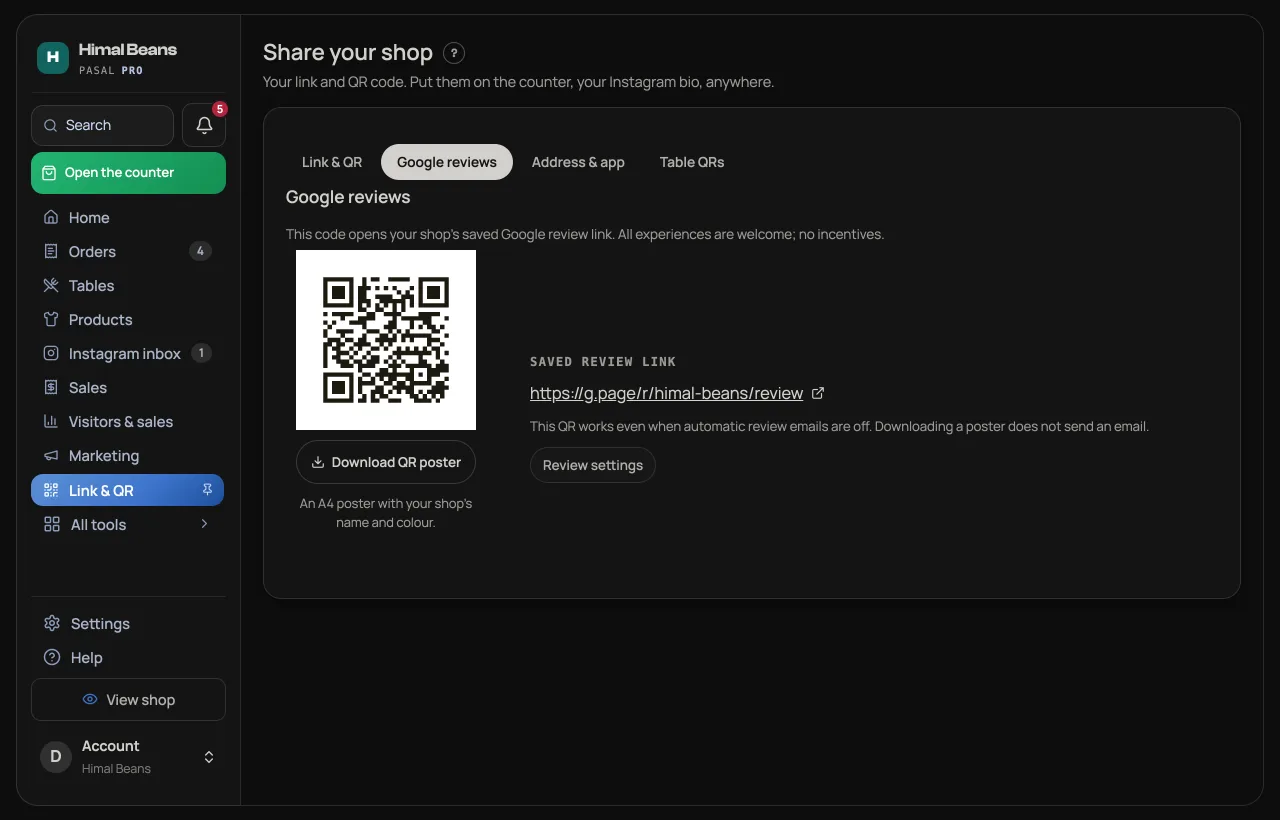
If no review link has been saved, the owner can press Set up Google reviews to openMarketing → Google reviews, then press Edit review settings forSettings → Notifications → Google reviews. Staff can use the saved QR when they have Link & QR access, but cannot change the review settings. A reading error offers Try again. The QR works while automatic review emails are off. See Google reviews.
On a real shop you can also connect your own domain (for example yourbrand.com). Need help buying one? Ask us and we sort it during setup.
- Your shop on your own domainServe your shop on your own web address, like yourbrand.com.
- Your own retriever.com.np addressTurn retriever.com.np/your-shop into yourshop.retriever.com.np with one button, and every link and QR follows.
- Ask customers for an honest Google reviewSave the Google link in Settings, Notifications; show its QR after payment and control optional emails.