
When a tab or a button is missing
Why two people can open the same dashboard and see different tabs, and how to get one back.
The dashboard only shows what your shop actually does, what your plan includes, and what the person signed in is allowed to use. So a tab you read about in a guide, or saw on someone else's screen, or had yourself last week, may simply not be turned on for you. Work down this list.
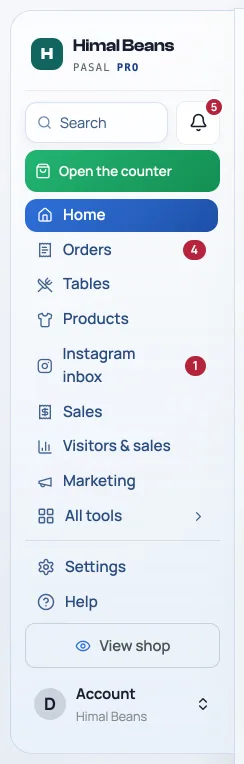
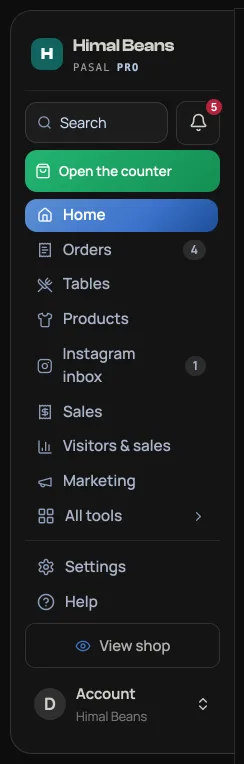
- Is it in All tools? This is much the commonest answer. The rail keeps the few screens a shop touches all day in the open, and every other page is in All tools, the last row of the list. It opens beside the rail with the pages under Every day, Money, People and Your shop, and a box to search them. Setup is in Settings, near the bottom of the rail. A row you reach for daily can be pinned, and a pinned row lifts above Home. See Find your way around the dashboard.
- Looking for Costs & profit? Find it under Money in All tools. Paid out also has a shortcut to the job books. Availability depends on your shop features, plan and permissions.
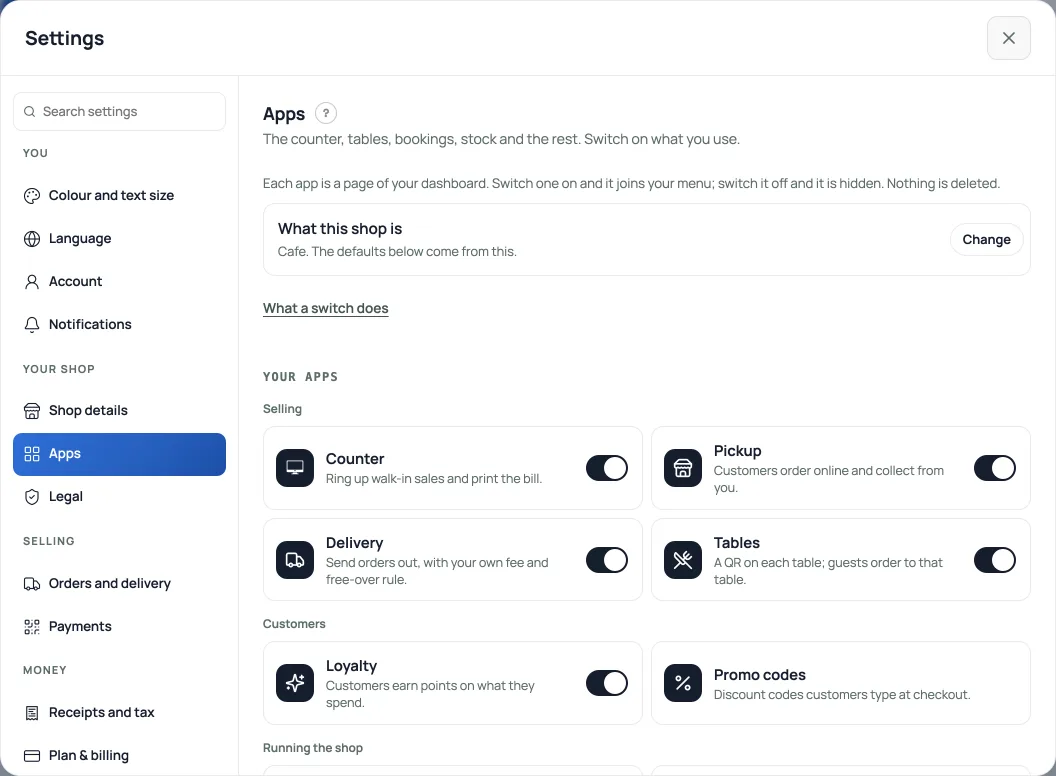
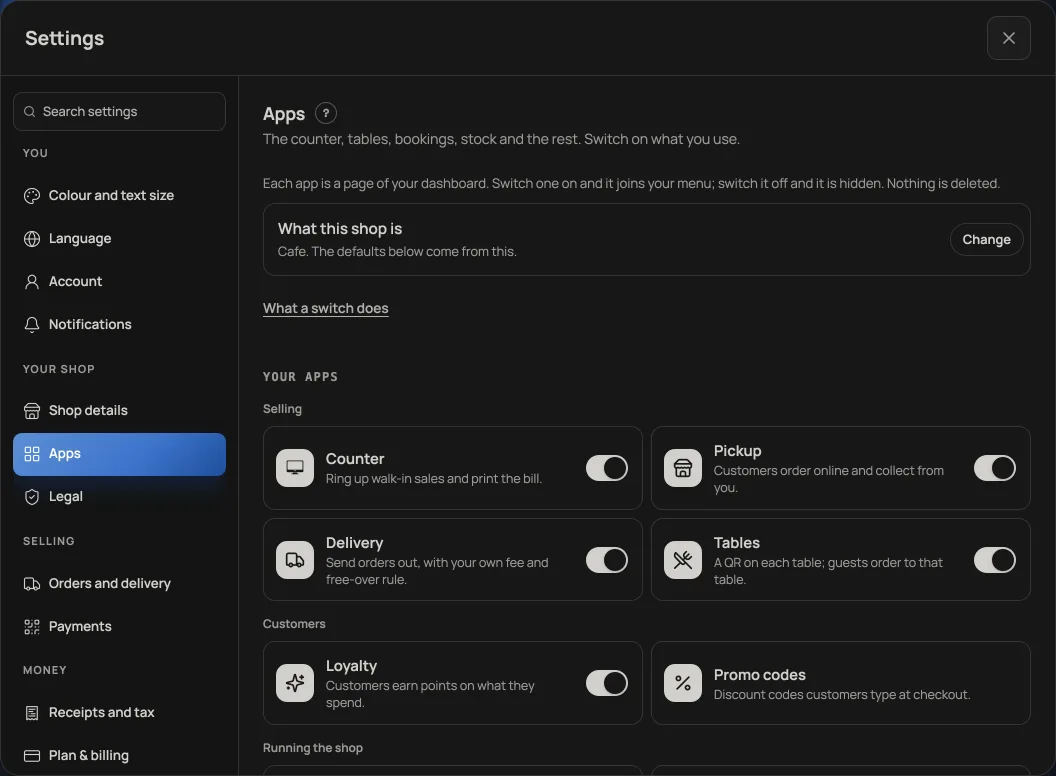
- Is the feature on? Open Settings, then Apps, under Your shop. Khata, returns, repairs, event tickets, the counter and dine-in ordering each appear only when their app is installed. See Turn shop features on and off.
- The whole dashboard is asking you to upgrade? Then Pro has ended, and nothing is broken. Every new shop gets 7 days of Pro free, and when those days pass Retriever locks until you subscribe. The screen says so. Choosing Pro or Pro Annual there opens a Fonepay code for that plan. Read What happens when your free trial ends and What Pro costs and how to turn it on.
- Are you signed in as staff? Staff see only the features their owner ticked. Home, Help and Payslips are always there, and Payslips only ever shows a staff member their own. The Staff tab and Accountant are never granted, so only the owner can see who rang or open the audit pack, and only the owner can add people under Settings, Who works here. Ask the owner to tick what you need, and it appears the next time you load the dashboard.
- Are you on a phone? There is no rail at all below a laptop width. The bar across the bottom holds five slots and everything else opens as a sheet behind More, under the same family headings. Payslips is in that sheet for everybody, and Accountant is there for the owner. Open the account button in More for Settings.
- Search for it. Press Ctrl K, or Cmd K on a Mac, and type the word you would use. Settings results open the matching section inside the Settings window. See Find your way around the dashboard.
A guide you were sent is not in your Help tab
The guide list inside the dashboard is filtered the same way the tabs are: an events company is not shown guides about delivery rules or khata. Turn the feature on and its guide joins your list. The public help centre always lists everything.
A staff tick box you expected is not offered
You are only offered permissions your shop can honour, and there are two reasons it might not honour one. The feature may be off: a cafe is not asked whether its staff may work the event door, because that shop has no door to work. Install it under Settings, "Apps", and the tick box appears under Who works here.
Or the shop is not on Pro. Events & door, Khata and Costs & profit (job book) open Pro tabs, so a free shop is offered eleven ticks instead of fourteen. Staff accounts are a Pro feature in the first place, so a free shop runs on the owner login alone, and Add them is refused. See What Pro costs and how to turn it on.
Order and message alerts reach nobody
Alerts are per device and per browser, so every phone or laptop that should buzz has to be switched on once, in Settings, then Notifications. Two more things catch people out. On an iPhone the dashboard must be added to the home screen first, or there is nothing to notify, and the row explains that in place of a switch. And if you once pressed Block or Don't allow when the browser asked, it will never ask again: clear the notification permission for retriever.com.np in your browser's site settings, then switch alerts on again. If the switch still will not go on, the line under it names what stopped it. Once alerts are on, Test this device rings this phone straight away, so you never have to wait for a customer to find out. The full setup is in Get alerted for every new order.
Still missing something after all that? Message us on WhatsApp from the Help tab and tell us the tab you are looking for. We reply, usually the same day.
- What happens when your free trial endsRetriever locks until you upgrade to Pro. Nothing you have made is deleted.
- What Pro costs and how to turn it onThe price of Pro by the month and the year, Retriever Complete for a ready counter, and how to pay.
- Find your way around the dashboardYour everyday pages, the account menu, the unified Settings window, search and working on a phone.