
Getting started with Retriever
From an empty page to a live shop taking orders, and what your free trial includes.
Retriever puts your shop online behind one link: customers browse your catalog and order from their phone, and you fulfil everything from a live order board. No app for you or your customers. Here is the whole setup, from an empty page to a shop taking orders.
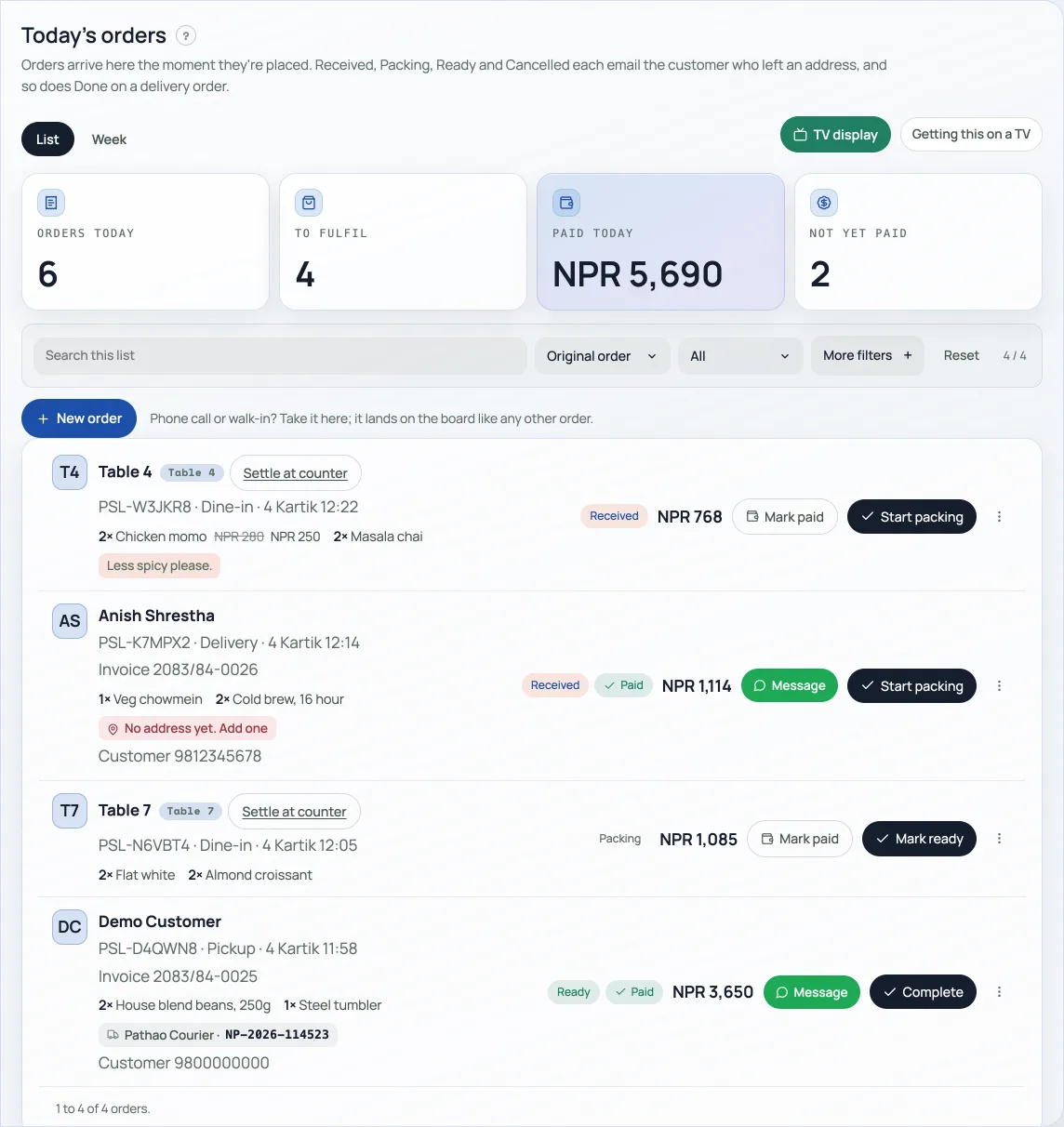
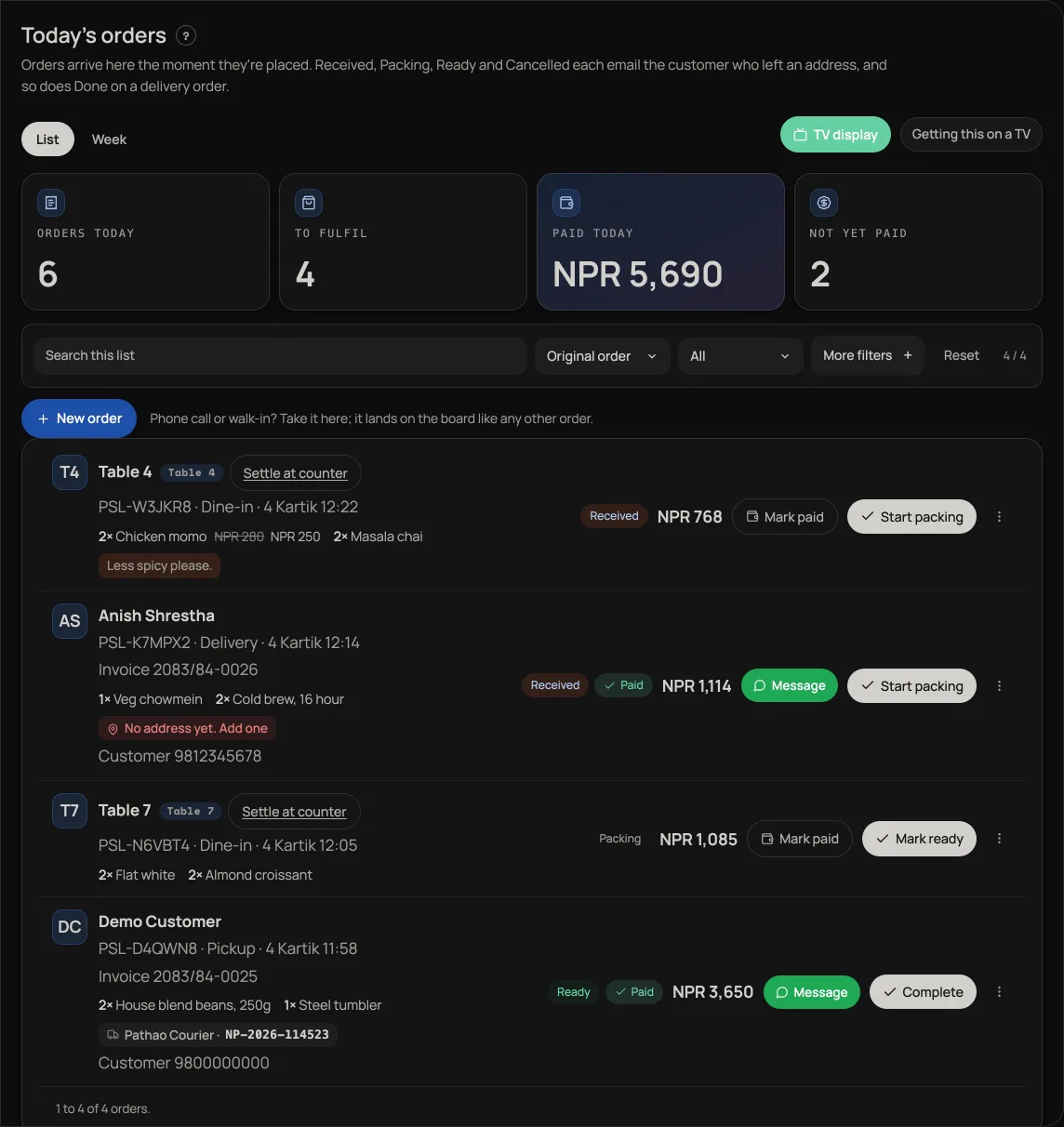
Open the shop
- Go to retriever.com.np/create and sign in using one of the options shown. Signing in confirms your account; it does not create a shop.
- In Step 2 of 2 · Your shop, enter your shop name and choose what you sell. Your shop type sets the starting features. Change these later in Settings → Apps.
- Press Create my shop. Once creation succeeds, Retriever opens your dashboard.
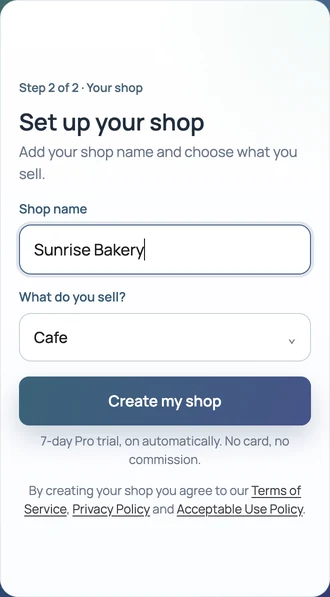
If you leave setup unfinished, this browser keeps the shop name and shop type for up to 30 days for your signed-in account. Return with the same account on this browser to continue. These details do not sync to another device. Email addresses, sign-in codes and credentials are not part of this draft. The draft is cleared after your shop is created.
If this account already belongs to a shop, sign in to reopen that shop instead of creating another. If you expected an existing shop but see setup, check which account you used.
Your first 7 days are Pro
Every new shop opens on Pro, free, for 7 days. Nothing to switch on and no card to enter. That means the counter, khata, tickets, bookings, loyalty, promo codes, the TV board and the job book are all open to you from the first day, so you can find out which of them your shop actually uses before you decide anything. See What Pro costs and how to turn it on, and What happens when your free trial ends, so the day it ends is not a surprise.
Then fill it in
- Set your shop details. Address, opening hours, WhatsApp, PAN and VAT under Settings, Shop details.
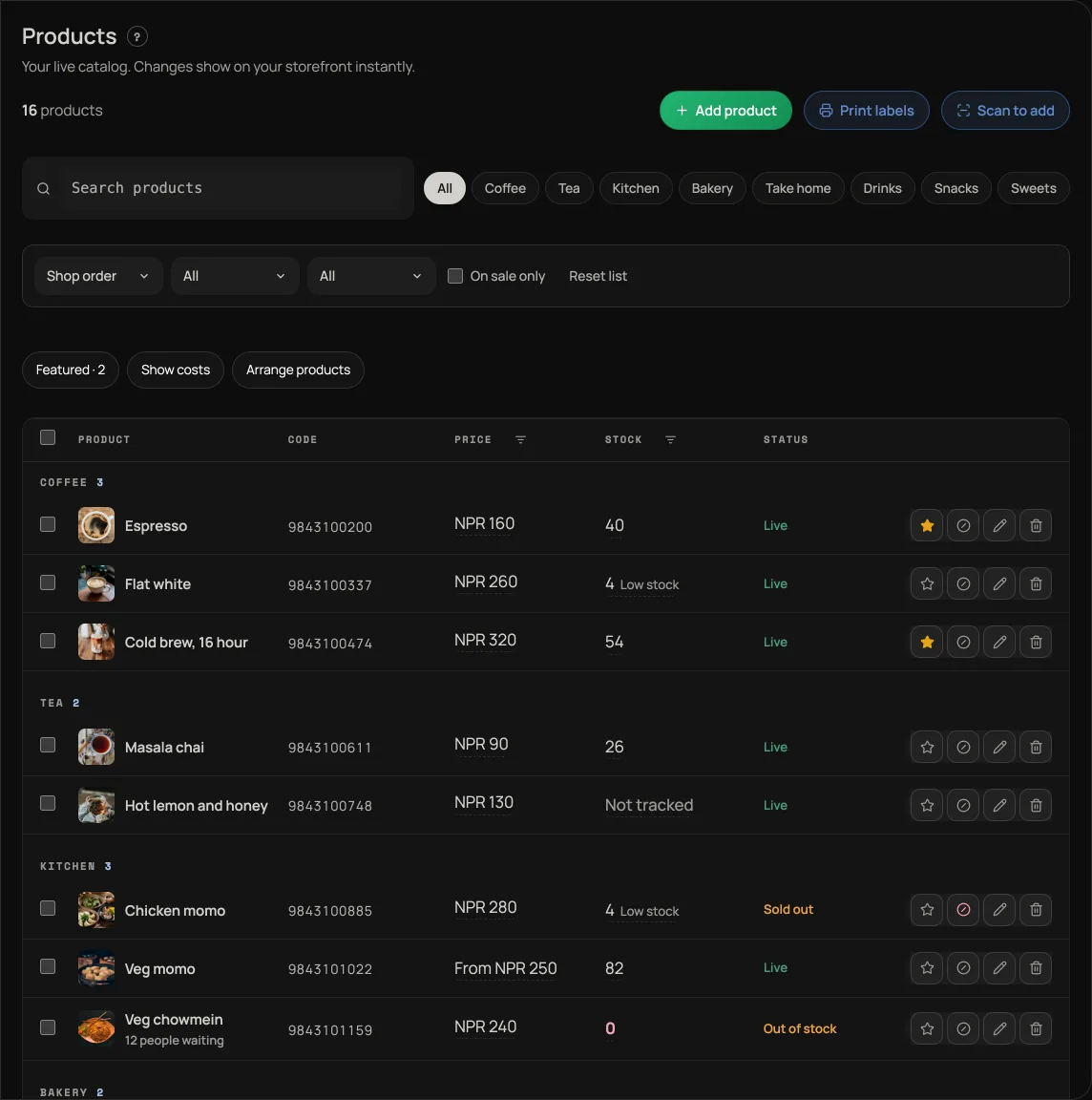
- Build your catalog. A new shop starts with an empty shelf: nothing is added for you. Home points you to Add your first product. See Manage your catalog.
- Make it look like yours. Pick a template, set your colours, and write the words on the page.
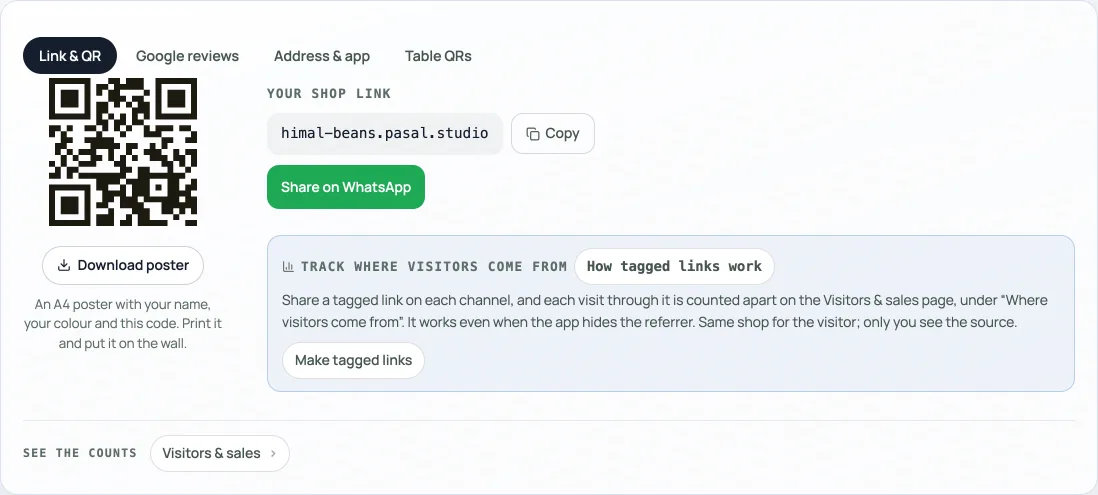
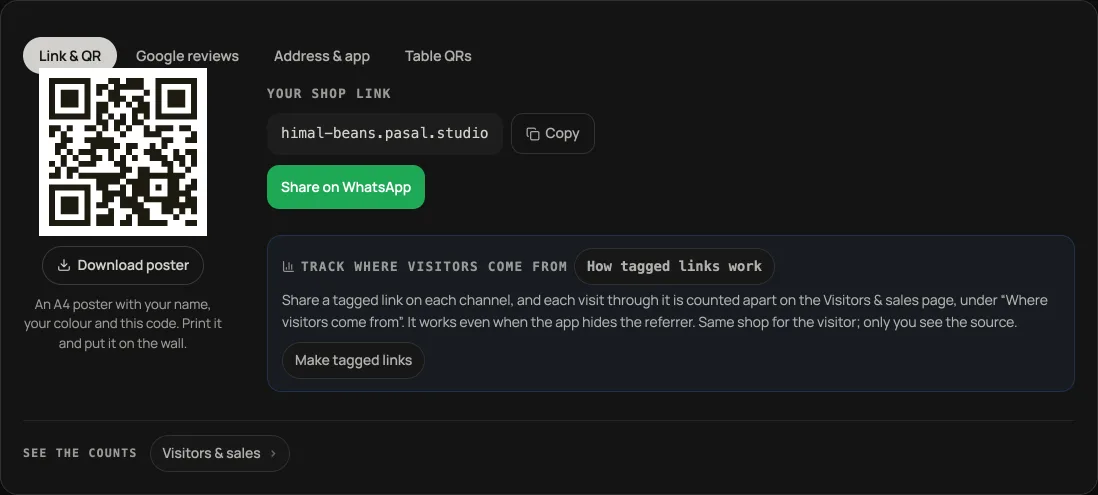
- Share your link. Copy your shop address or download a QR code for Instagram, WhatsApp, or the counter. See Share your shop link.
- Take your first order. A customer opens your link and checks out. The order lands on your board instantly.
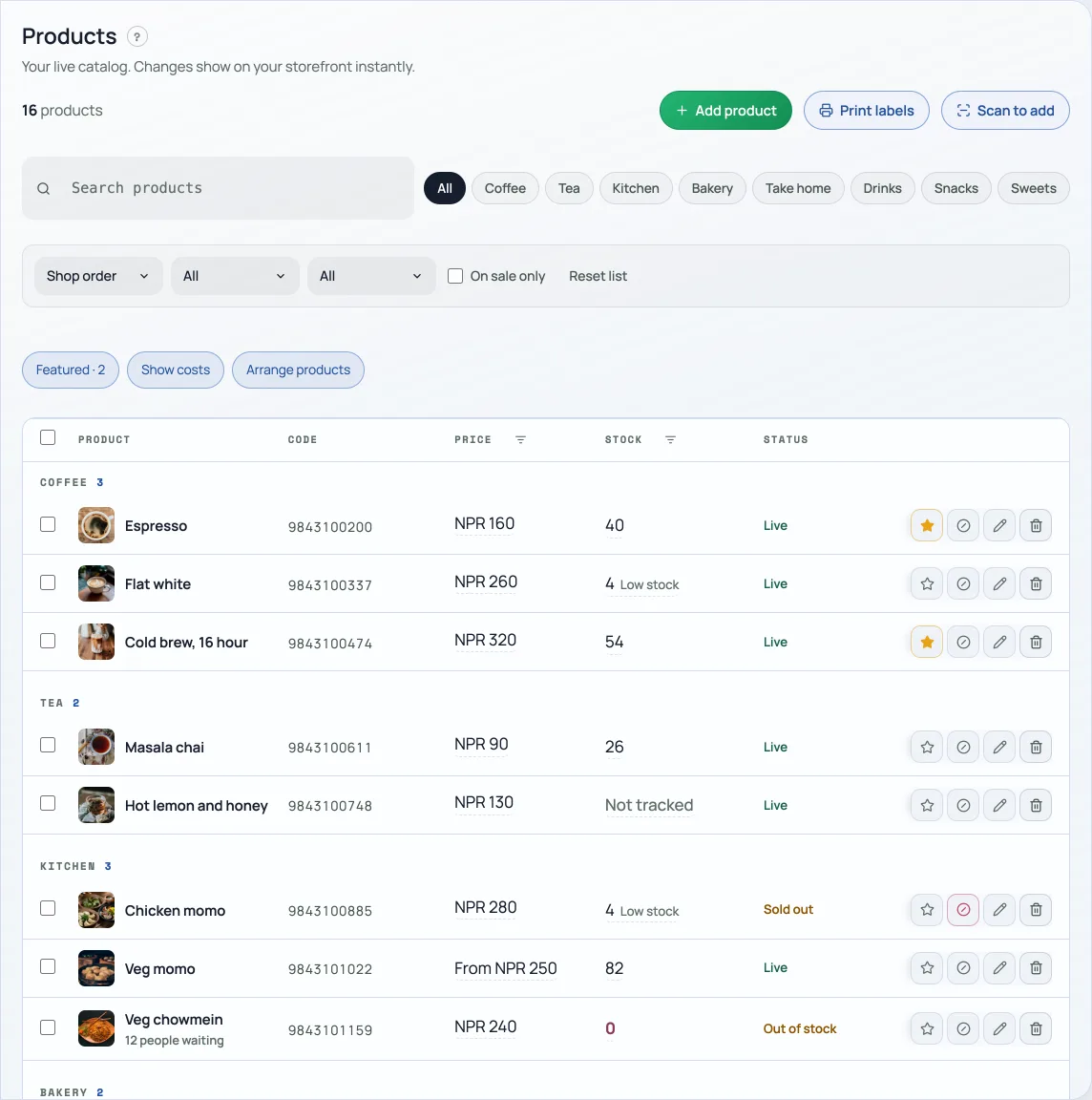
Your Home tab keeps a short Set up your shop list at the top until you have worked through it, so you do not have to hold this list in your head. Hide it whenever you like. It is always waiting at the top of Help if you want it back. Want to see the whole flow before you touch your own shop? Open the live demo and order from it.
- What happens when your free trial endsRetriever locks until you upgrade to Pro. Nothing you have made is deleted.
- Turn shop features on and offEach part of Retriever is an app you install or uninstall. Settings, Apps is where you change your mind.
- Manage your catalogAdd products, photos, prices, and take items off the shelf when you are out of stock.